
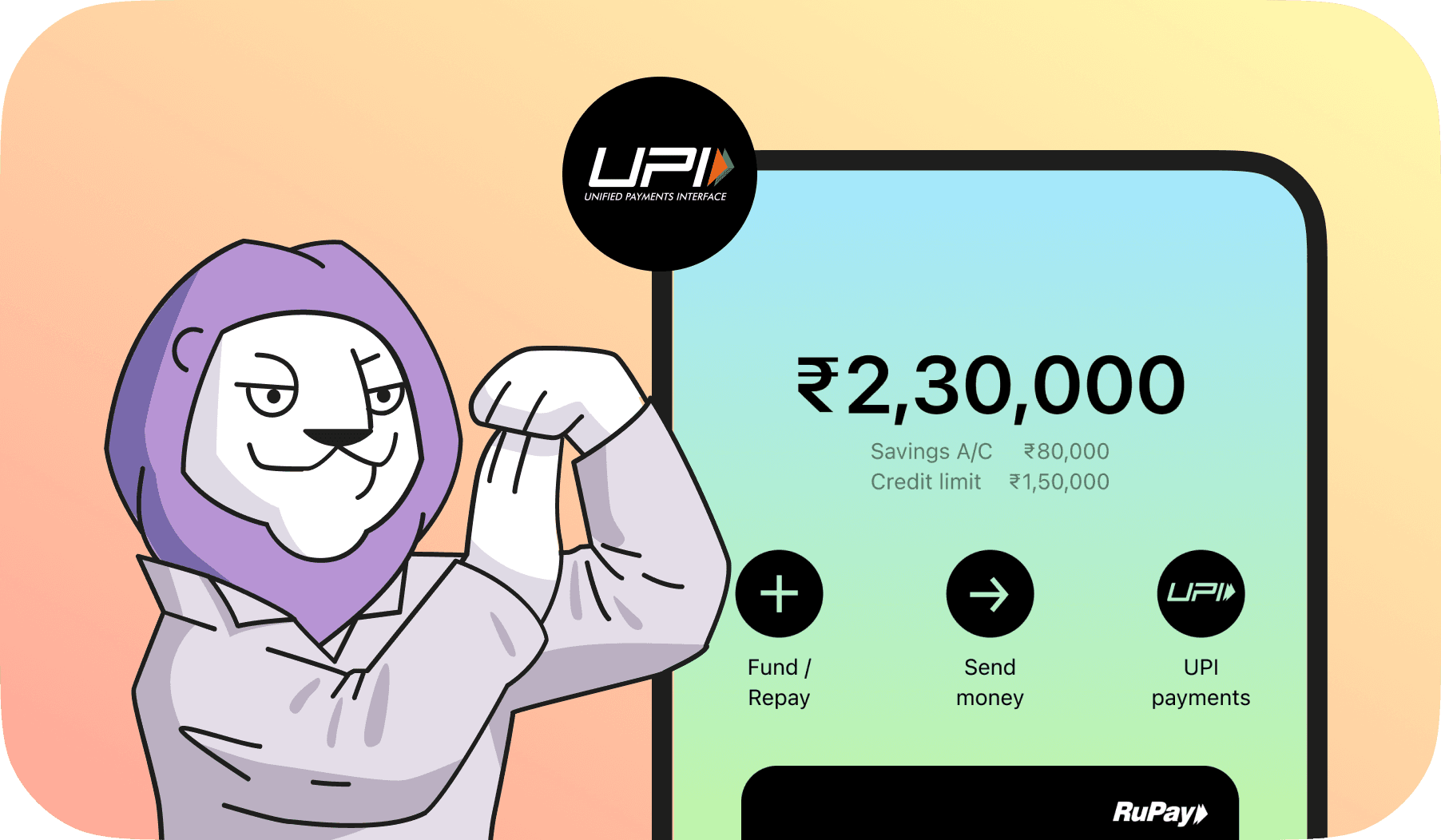
How to Use Credit Card for UPI Payments? A Step-by-Step Guide
- You can now link RuPay credit cards with UPI apps for easy payments.
- Enjoy the convenience of using credit even when your bank balance is low.
- Major UPI apps like Google Pay, PhonePe, Paytm, and BHIM support this feature.
- Learn how to set it up, its benefits, and the limits before you start.
Imagine standing at the checkout counter, ready to pay, only to realize your bank balance won't cover the total. The frustration is real; you don't want to return items, and your credit card isn't in your wallet.
Moments like these show how much we rely on digital payments. In fact, India's Unified Payments Interface (UPI) processed over 185 billion transactions in FY 2024–25, a 41.7% jump from the previous year.
Now, innovation has taken another step forward with RuPay credit cards. You can link them directly to UPI and pay seamlessly. Excited? Let's explore how to set UPI credit card, its benefits, and what to watch out for.
What is UPI Credit Card?
A UPI Credit Card is a regular credit card that's linked to your UPI ID instead of your bank account. It allows you to make payments through popular UPI apps such as Google Pay, PhonePe, Paytm, and BHIM, but instead of money being deducted from your savings account, the amount is charged to your credit card limit.
How to link a credit card to UPI?
Linking your credit card to UPI is quick and simple. The best part? You can do it directly through your favorite payment app.
Once linked, you can make payments instantly using your credit card limit. However, this feature currently supports merchant payments only. It doesn't allow person-to-person (P2P) transfers. So, you can pay at stores, restaurants, or e-commerce sites, but not transfer money to friends.
Let's look at the easy steps below to link your credit card to UPI and start making payments -
Step-by-Step Guide to Link Credit Card to UPI
- Open your UPI app. Launch Google Pay, PhonePe, Paytm, or BHIM on your smartphone.
- Go to "Payment Methods" or "Linked Accounts."
- Select "Add Credit Card." Choose the RuPay option from the available card networks.
- Enter your card details. Add your 16-digit card number, expiry date, and CVV.
- Verify with OTP. Enter the OTP sent to your registered mobile number.
- Set UPI PIN for your card. This PIN will be used for all future transactions.
Once added, your credit card becomes active on UPI instantly. You can now use it to pay any merchant QR that accepts UPI payments.
How to Pay through UPI Using Credit Card
Paying through UPI using your credit card works just like any normal UPI payment. The only difference is the payment source. Instead of money being deducted from your bank account, the amount is charged to your credit limit.
To make a payment:
- Scan the merchant's UPI QR code.
- Select your linked RuPay credit card.
- Confirm the payment using your UPI PIN.
Taxes, UPI Charges & Transaction Limits
Well, there is good news for users: there is no charge paid by you when you're using a UPI credit card. However, there are some charges to know, such as:
GST or Additional Taxes
- No GST is directly levied on UPI transactions for customers, even for UPI payments made via credit card.
- GST applies to service charges (like MDR or platform/provider fees), and these are paid by merchants or payment platforms, not the end users.
What Merchants Should Know
- Merchants pay a MDR(Merchant Discount Rate) for RuPay credit card transactions on UPI above ₹2,000, typically ranging from 0.5% to 1.1%.
- GST (usually 18%) applies to the MDR or other payment gateway charges, but not to the transaction value itself.


Level up your wallet — download Roarbank now


Benefits and Limitations
Linking your credit card to UPI offers the convenience of credit and the speed of instant payments. Still, there are a few things to keep in mind.
Pros
- Instant payments: Pay merchants quickly using your credit line.
- Reward points: Earn cashback or points on every UPI spend.
- Wider acceptance: Use it on leading UPI apps and QR codes.
- Cash flow flexibility: Pay now and clear dues later.
- Secure transactions: Two-factor authentication ensures safety.
Cons
- RuPay-only support:Other card networks like Visa and MasterCard aren't supported yet.
- Merchant-only use:P2P money transfers aren't available.
- Repayment required: Missing payments may attract interest or late fees.
- UPI Transaction limits: Daily and per-transaction limits may apply.
UPI with debit card vs UPI with credit card
Roarbank RuPay credit card
The Roarbank Credit Card is a 2-in-1 credit and savings solution designed for seamless digital payments. It's UPI-enabled right out of the box, so you can link it easily with popular apps like Google Pay, PhonePe, Paytm, or BHIM and make payments directly from your smartphone, anytime, anywhere. Enjoy up to 20% cashback on two select categories each month.
Here's how to link and start using it:
- Open your preferred UPI app (Google Pay, PhonePe, Paytm, or BHIM).
- Go to the "Add Bank Account" or "Add Credit Card" section.
- Select Roarbank Card from the list of available options.
- Verify your card details and set your UPI PIN.
Once linked, you can use your Roarbank сredit сard for quick and secure UPI payments at millions of online and in-store merchants nationwide.
With Roarbank, you enjoy the flexibility of a credit card and the earning potential of a savings account, all in one powerful card. Download the app now for a rewarding way to pay and manage your finances.
Digital payments in India are evolving faster than ever, and UPI-linked credit cards are proof of that progress. They combine the ease of instant payments with the flexibility of credit, helping you stay cash-free while still earning rewards.
Whether you're shopping online, paying at your favorite café, or managing monthly bills, linking your RuPay credit card to UPI makes every transaction simpler and smarter.
With trusted cards like the Roarbank RuPay Credit Card, you can enjoy secure, fee-free, and rewarding UPI payments..
FAQs
There are no direct charges or GST for users. Merchants may pay MDR fees, but customers are not affected.
Yes, you can pay merchants using a RuPay credit card linked to your UPI app. It's just like regular UPI payments.
Currently, RuPay credit cards are the best option as they're supported across major UPI platforms.
Here's how you can link your credit card to Google Pay for fast and easy UPI payments:
- Go to Google Pay.
- Tap "Add Credit Card"
- Choose your RuPay card and Verify.
- Start paying merchants using UPI.
Direct P2P transfers aren't allowed yet. You can only make merchant payments using a credit card on UPI.

