
How to get UPI ID - Step-by-step guide
Every day, millions of Indians want to switch to digital payments and take that exciting first step. However, too many notifications, hesitation around sharing sensitive information, and occasional linking errors discourage them from going cashless. This guide fixes that by providing a clear roadmap for creating and using your UPI ID.
You'll learn what UPI is, how to set it up, and link your bank cards or digital wallets with ease. You'll also pick up simple security tips and see how Roarbank's UPI-enabled credit card makes everything simpler.
What is UPI ID, and why do you need one?
The Unified Payments Interface Identity is a virtual payment address that works as a username for money transfers. It lets you send or receive money without revealing your bank account number or IFSC code, keeping things quick, safe, and hassle-free.
Your UPI ID number usually looks like yourname@bankname or 123456879@bankname, depending on the app you're using. The UPI itself is a real payment gateway that NPCI built to connect your bank accounts to a single mobile app. It's not out of place to call it the backbone of digital payments in India, given that UPI handled 185.8 billion transactions in FY 2024-2025.
Now that we've discussed what it is, let's talk about why you need one:
- It instantly transfers money without needing a bank account number.
- You can use the ID to make payment via more than 50 million QR codes across India.
- You can easily make utility payments with it.
- It offers advanced security thanks to UPI PIN protection (a 4-6-digit code that authorises transfers).
- It charges no fees for peer-to-peer payments.
How to create UPI ID
The whole process of setting up your ID just takes a few minutes. Once you're done, you can start sending or receiving money instantly. There are two ways to go about this.
- Download a UPI-enabled app
- Use an app you trust, e.g, your bank's official app, Google Pay, PhonePe, Paytm, BHIM, etc.
- Make sure the number you enter is the one linked to your bank account.
- Register your mobile number:
- Enter your number and wait for an OTP code.
- Link your bank account
- Select your bank from the list.
- The app will detect accounts that are linked to your number.
- Choose the account you want to use.
- Set up your UPI PIN
- Enter the last 6 digits of your debit card and the expiry date.
- Create a PIN (4-6 digits) and then confirm it in the following prompt.
- Create your ID: The app will automatically generate your ID, though some may allow you to change the name.
- Install a wallet app like Paytm or PhonePe (wallet mode).
- Register with your mobile number and complete the preliminary KYC.
- Open a prepaid wallet and generate a wallet-based ID.
- Set your UPI PIN and you're good to go.
Please note that while wallet IDs may work well, they have lower transaction limits and fewer merchant options.


Level up your wallet — download Roarbank now


How to Change UPI ID - Customising your virtual payment address
If you think your current ID is too random or hard to remember, it's good that you can change it in most UPI apps.
- Open your app.
- Go to Profile > Payment Methods.
- Tap on your current ID and choose "Create New ID".
- Enter the username and bank handle you prefer.
- Check whether it's available, then confirm it.
- Set it as your primary ID if that's what you want.
However, there are some important limitations you should consider while doing this:
- You can't edit an old ID because it's unique. You can only create a new one.
- Most bank accounts support 2-5 IDs, not more.
- Your old ID remains active until you delete it.
- Your new handle(s) must be unique. So, if the system doesn't confirm its availability, you can't use it.
Here are some of the best practices you can implement when changing your payment ID:
- Use names that are easy to remember.
- Skip numbers or symbols that seem messy.
- Use one main ID for receiving money.
How to Connect Your Card to UPI for seamless payment integration?
It's easy to link your debit or RuPay credit card to UPI and use it for fast QR payments. Here's how you can go about it.
- Your debit card is automatically linked when you set your UPI PIN.
- Open "Bank Accounts" to confirm it's been linked and make a small payment to test it.
- Launch your UPI app.
- Go to Payments > Add Payment Method > Credit Card.
- Select "RuPay Credit Card" and wait for the app to detect eligible cards.
- Verify with OTP and set a separate UPI PIN.
- Scan any QR code to start paying.
When you link your credit card to your UPI ID number, you'll enjoy the following perks:
- It works for virtually every UPI QR code.
- You can enjoy 45-50 days of no interest on daily purchases (depending on the card you link).
- You earn rewards from the transactions you make.
- You don't need a physical card to pay.
- The PIN authentication for each payment makes it secure.
But there are a few limitations to be aware of, including no cash withdrawals and no peer-to-peer or card-to-card transfers.
Roarbank's UPI-enabled credit card - The future of digital payments
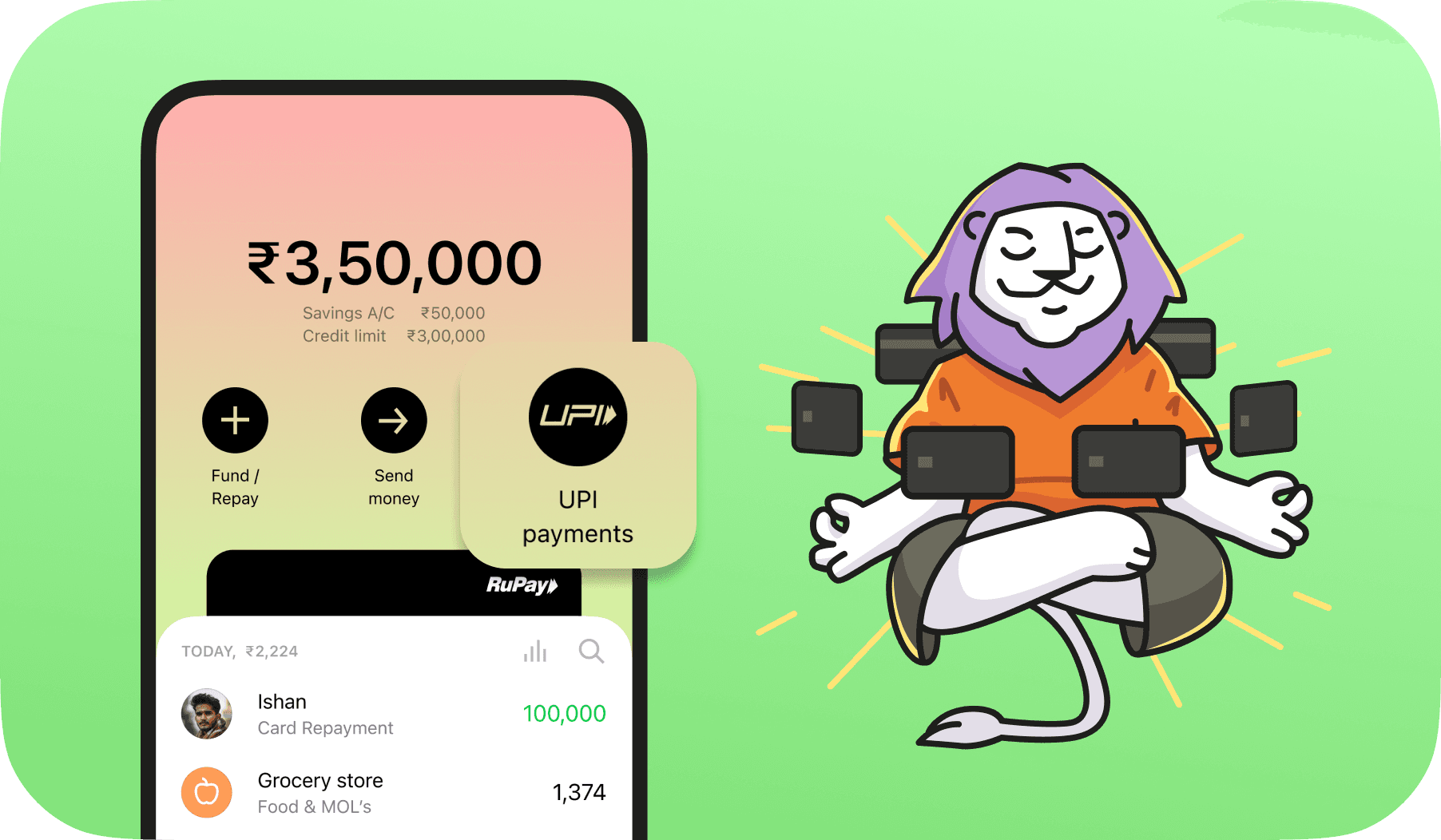
Roarbank offers users a smarter way to pay with an all-in-one card that enables credit, savings, and UPI. If you're wondering why you should choose Roarbank, we'll be happy to give you a few reasons:
- You can link our card to UPI instantly with a credit limit of up to ₹3 lakhs and an interest-free window of up to 62 days.
- You get up to 20% cashback on your top 2 spending categories (every month).
- You enjoy innovative features such as shake-to-pay and spending analytics.
- There are no hidden fees.
- You have 24/7 customer support via WhatsApp, email, or phone calls.
Ready to Make Every Payment Effortless?
Moving your finances online doesn't have to be complicated. Whether you're a college student splitting bills with friends or a professional managing daily expenses, you can make secure payments seamlessly.
If you're ready for an upgrade, try Roarbank: connect your all-in-one credit card to UPI instantly, start earning cashback on your QR payments, and get friendly, round-the-clock support whenever you need it.
Take control of your money; switch to smarter, stress-free payments with Roarbank today.
FAQs
It means Unified Payments Interface Identity.
Yes, it is entirely safe to share your UPI ID as it doesn't reveal your bank account details.
VPA stands for Virtual Payment Address, which is simply another name for UPI ID.
You can do it using a digital wallet. You just need to complete the required KYC and follow the steps to generate a wallet-linked ID.
No, it's completely free to create a UPI ID. Banks and UPI app providers don't charge any registration or setup fees.

